Everything SEOMedic Does (And the Problems It Quietly Fixes While You Write)
You didn't start a blog to manage technical backend settings. I know I didn't. I wanted to write. Maybe I wanted to make some money. Then the site grew. Now I have hundreds of posts.
But I always get this nagging feeling. Something back there is broken.
Links die. Embeds vanish. Sometimes I skip writing meta descriptions because I get lazy. Digging through old posts to find these errors feels like cleaning a giant, dusty attic. It sucks.
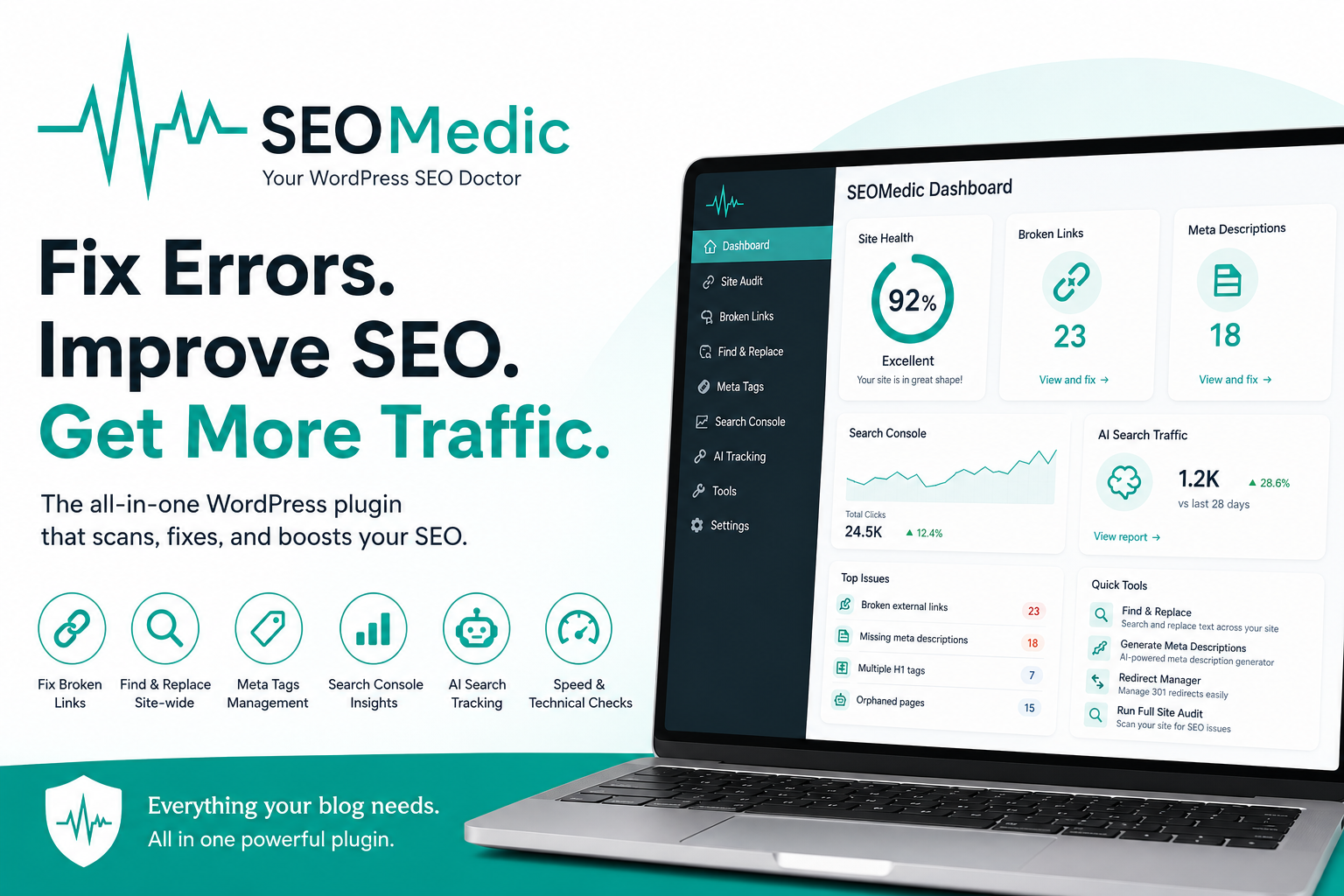
I built SEOMedic to fix this. It's a WordPress plugin. It scans your site. It shows you the errors. I fix them right in my dashboard. No spreadsheets. No expensive crawling software.
Broken links and dead ends
Links rot. A site I linked to in 2021 changes its URL setup or shuts down completely. My readers hit a 404 error page. Google notices. Readers notice. I usually don't notice until I run a deep scan.
SEOMedic checks external links. When a link dies, I change it inside the dashboard. It checks internal links too. It flags links pointing to deleted pages, or posts with zero internal links pointing to them. I call those orphans.
The paid version connects to Google Search Console. It watches for phantom URLs. These are pages that don't exist but still get traffic. I set up redirects for them in two clicks.
→ Read the guide: How to Find and Fix Broken Links in WordPress
Site-wide find and replace
Think about changing a business address or a phone number. Or an affiliate network shuts down. Suddenly I have dead links spread across four years of articles.
Fixing that manually destroys a weekend. It's like trying to correct a typo in a printed book with a pen. SEOMedic searches everything. It checks the actual URLs inside links. I see a preview first, then replace them all at once. I use the "find only" mode when I just want to see where a word hides before I touch it.
Meta descriptions and title tags
Google cuts off meta descriptions at roughly 155 characters. If I leave it blank, Google grabs random text. It usually looks terrible.
The plugin finds missing, short, or long descriptions. I fix them from one screen. It works with Yoast or Rank Math. Paid users can generate descriptions with text prompts.
I treat titles differently. SEOMedic measures them in pixels. Characters don't tell the full story. Wide letters like "W" take up more space than "I". If a title gets cut off in search results, the audit catches it.
On-page cleanup
I look for small mistakes that damage search rankings. The plugin scans for these specific issues:
- Multiple H1 tags or missing ones that confuse search engines
- Dead YouTube embeds where videos got deleted or set to private, leaving an ugly grey box
- Mixed content warnings from old HTTP images on a secure HTTPS site
- Broken shortcodes left behind by uninstalled plugins
- Outdated dates where posts saying "as of 2022" look stale, allowing me to replace the years instantly
- Image issues like large files, missing alt text, or bad file names
The plugin puts each issue into a clean table with direct actions.
Google Search Console data
This part turns data into an actual plan. I connect my account to find hidden wins:
- Positions 11 to 20. These pages sit just off the first page. They need a small push.
- Low click rates. These are page-one rankings with weak titles. The plugin estimates the lost traffic.
- Keyword conflicts. This happens when two of my pages fight for the same term.
- Answer boxes. I find opportunities to win featured snippets when I rank in the top five.
- Traffic drops. I catch old content losing traffic early so I can update it.
- Dead weight. I find posts with zero traffic that need a redirect or deletion.
I get 26 weeks of ranking history for pages and keywords. It shows me if my updates worked. It checks Bing too.
AI search tracking
People use ChatGPT and Perplexity to find answers. Those platforms either cite my blog or they cite my competitor.
SEOMedic grades my text for AI reading. It builds short summaries, FAQ blocks, and clear facts based on my text. I just paste them in.
I also track my actual AI traffic. I see when visitors arrive from Claude or ChatGPT. I see which bots crawl my site. Most people guess here. I prefer knowing.
Technical checks made simple
The dashboard shows the status of every post. I see if a page is public, hidden, or pointed to a different URL. I adjust these settings without touching code.
It checks sitemaps for broken links. It catches mixed WWW setups. It tracks speed scores. It includes IndexNow to alert search engines the moment I update content.
Built to save time
Scans run when I tell them to. If an issue is intentional, I click ignore. It stays hidden. I added a low-resource mode so it runs smoothly on cheap web hosting.
I don't need to study technical documentation. I see the error, look at the list, and click fix. It takes seconds.
Start with the free tool for broken links, text replacement, and on-page scans. Move to the paid version when you want Search Console tracking and AI data.
The SEO audit layer for WordPress that connects to Google Search Console, spots striking-distance pages, fixes broken links, and generates AI meta descriptions. Works alongside Yoast and Rank Math.